Setup Project
Table of Contents
Before configuring remote cache, create an Org, create a Project, and issue the Project-scoped tokens your CI and developers will use.
Create an Org
Open Orgs and start creation
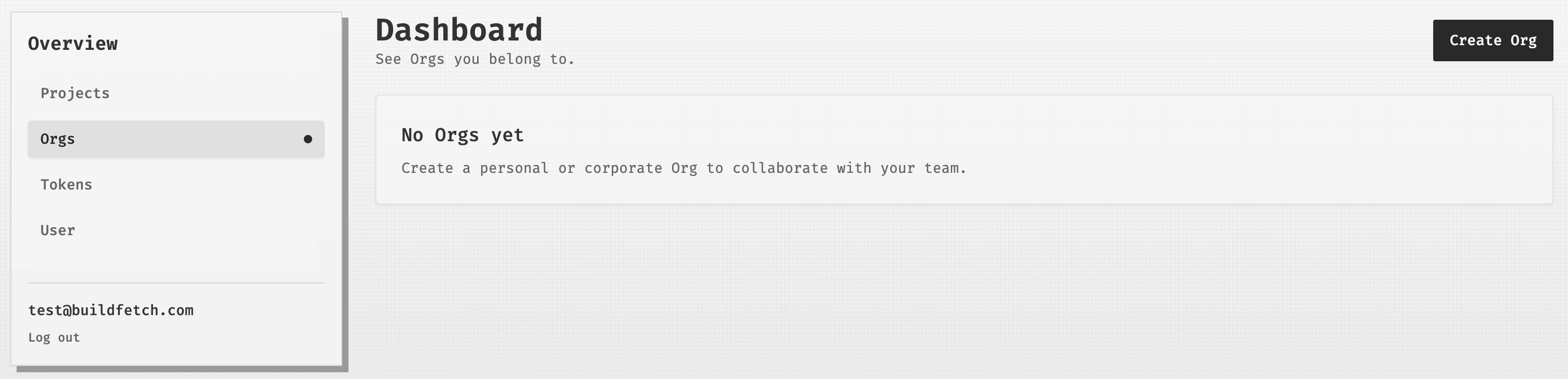
From the dashboard, open Orgs and select Create Org.
Name the Org
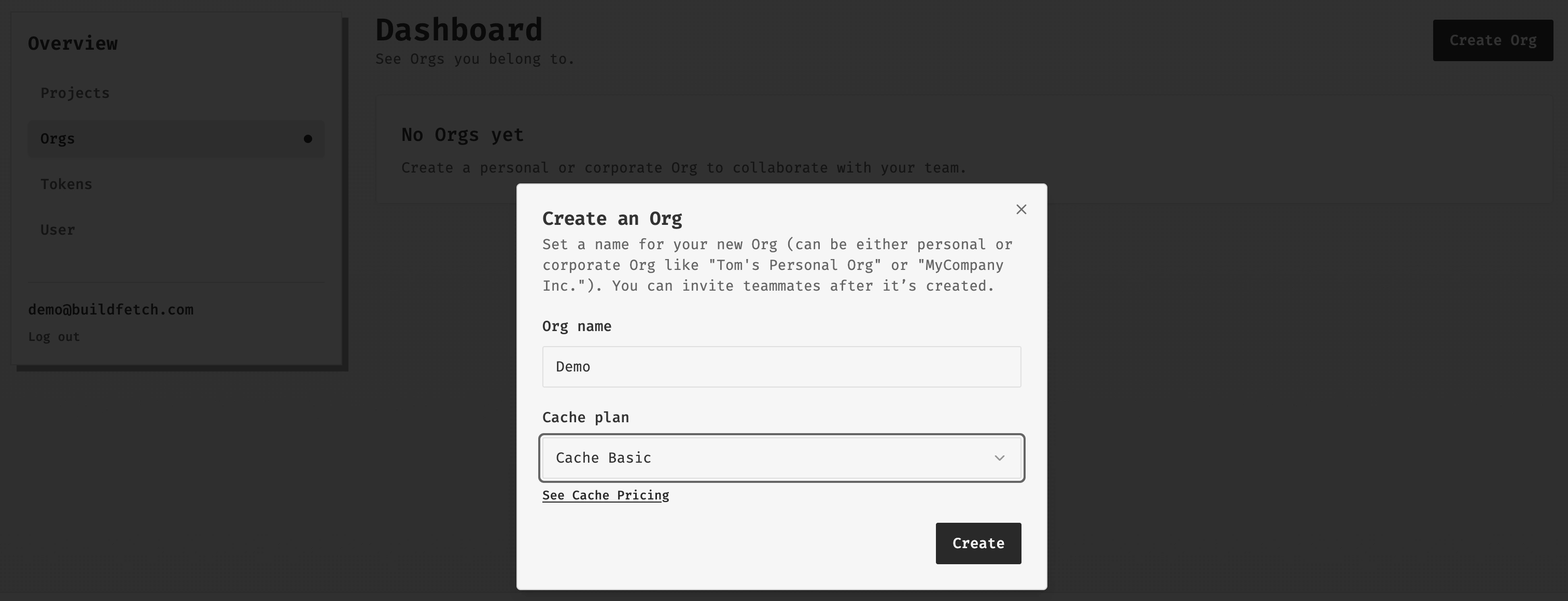
Enter the Org name, choose the cache plan, then create it.
Confirm the Org
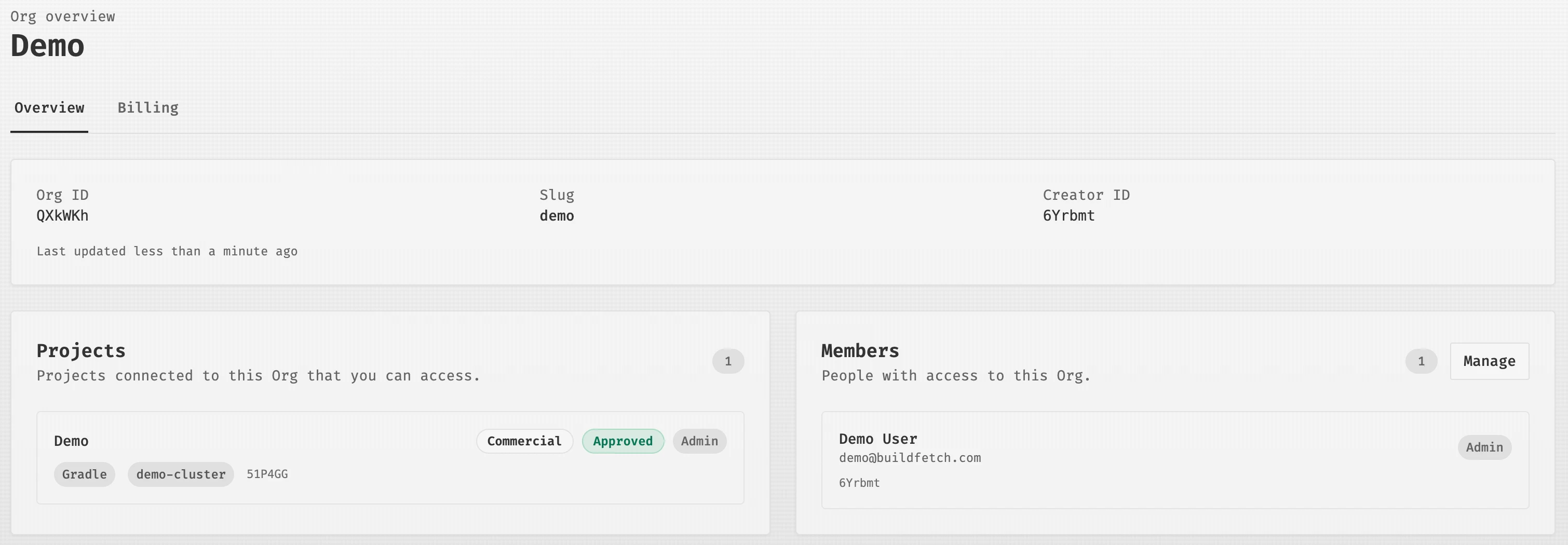
After creation, the Org overview shows the Org details and its Projects area.
Create a Project
Open Projects and start creation
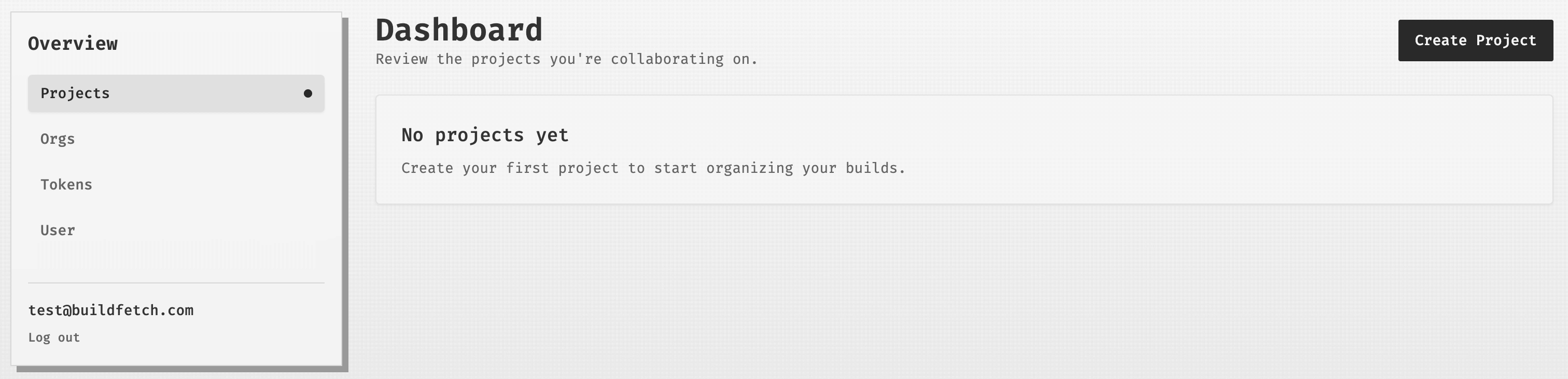
From Projects, select Create Project.
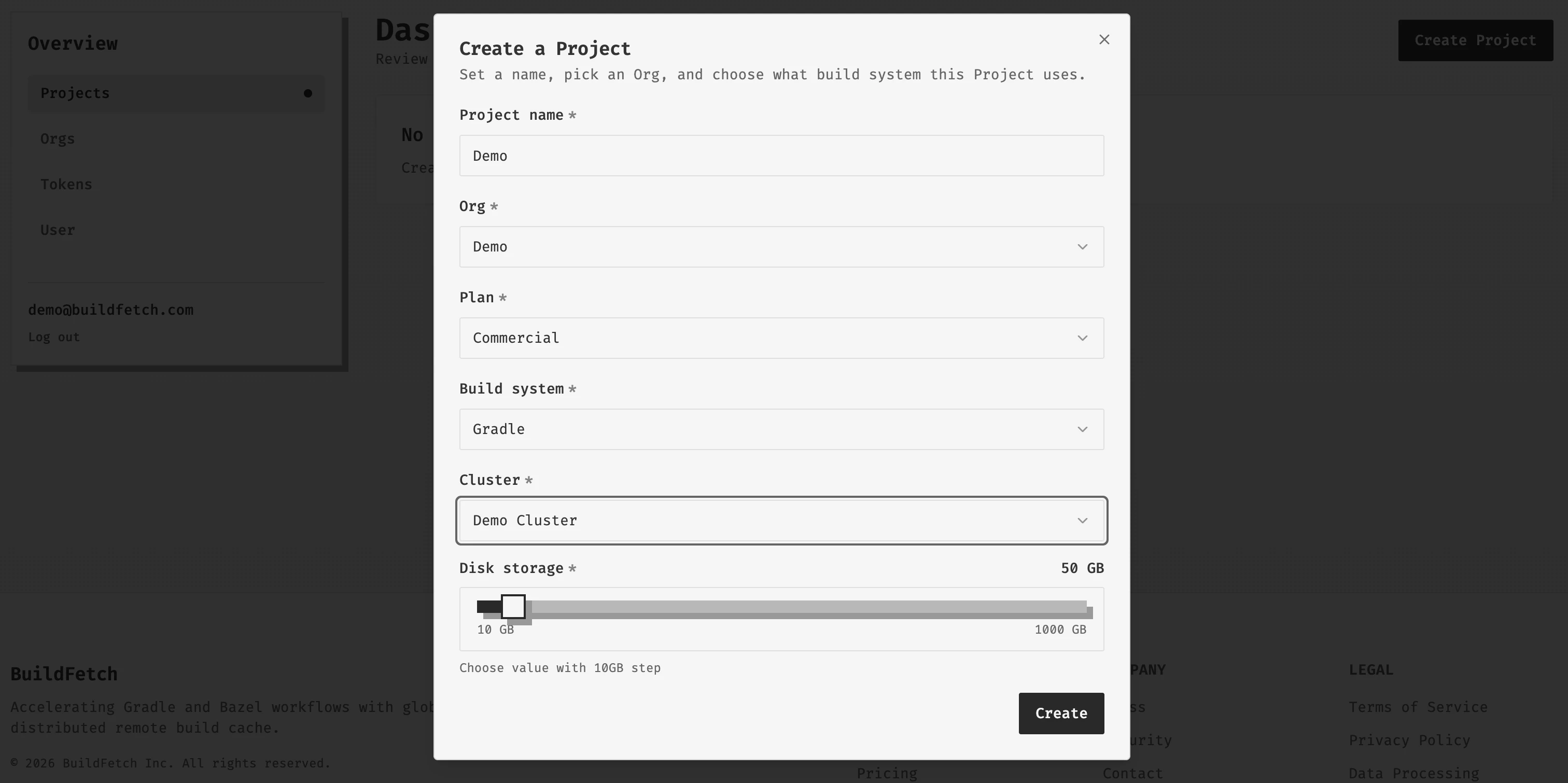
Choose Project settings
Set the Project name, Org, plan, build system, cluster, and storage size.
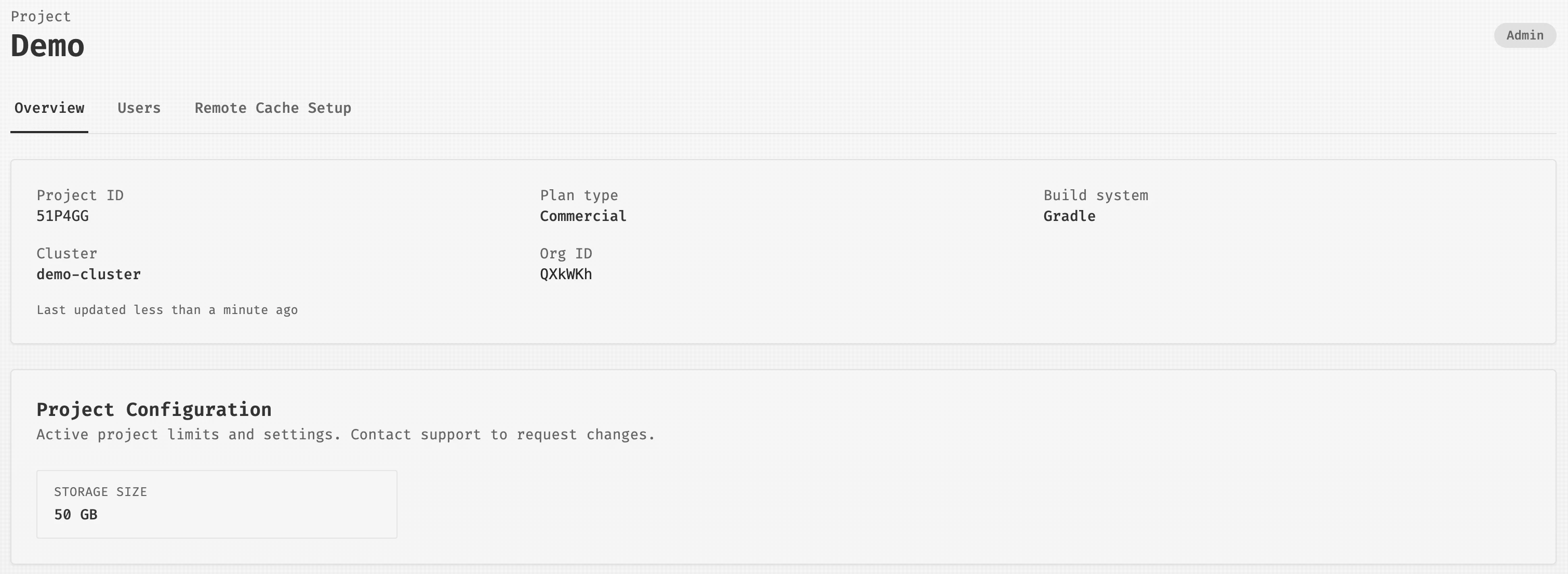
Confirm the Project
The Project overview shows the Project ID, plan type, build system, cluster, and Org ID.
Issue a Project Token
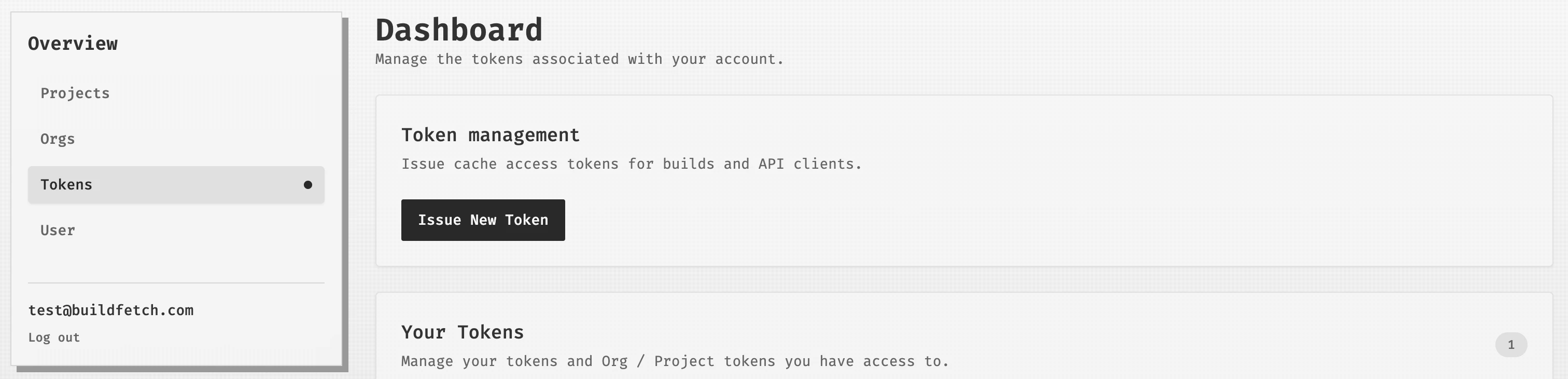
Open Tokens and start issuing
From Tokens, select Issue New Token.
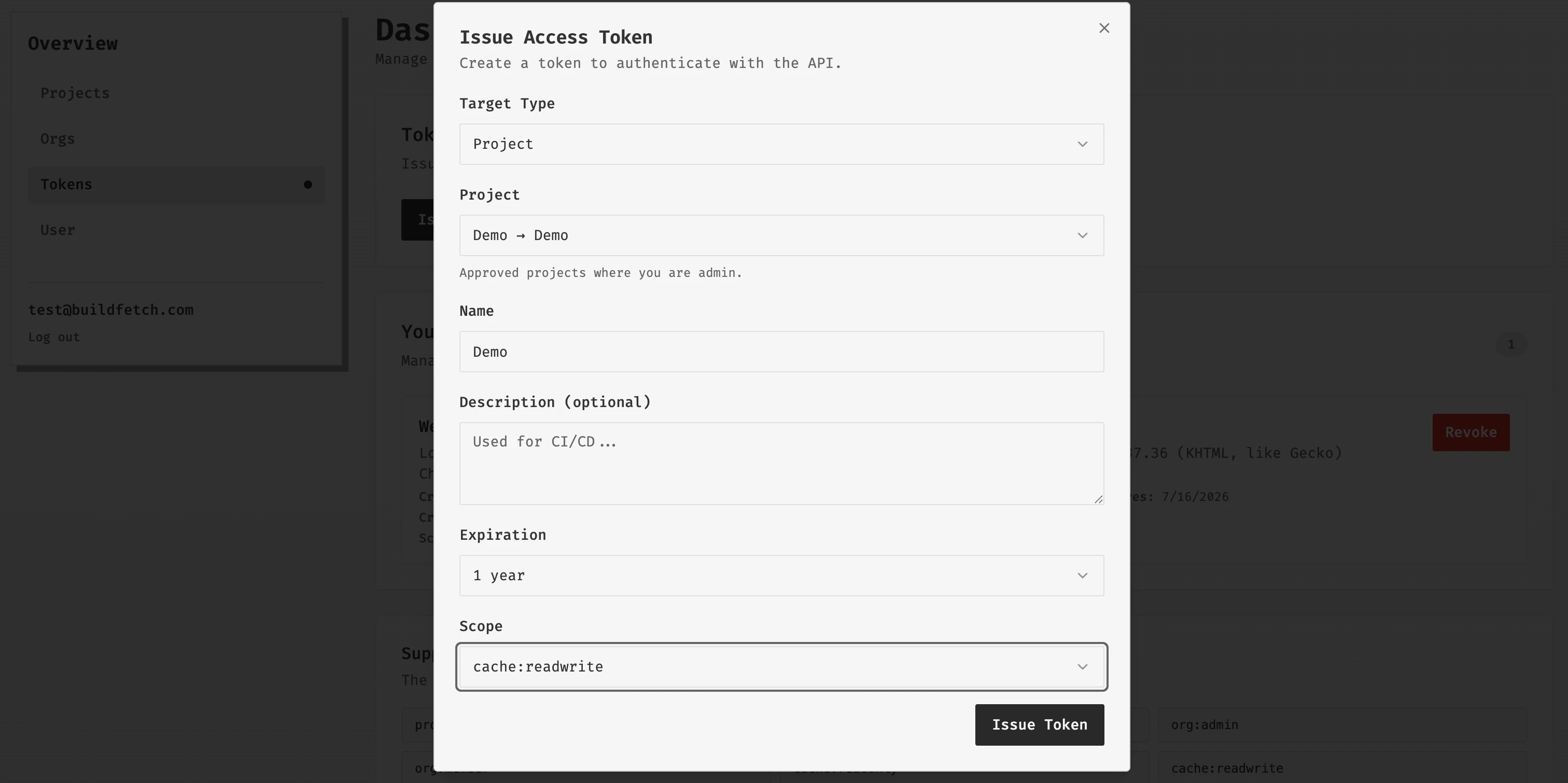
Select token target and scope
Choose Project as the target type, select the Project, name the token, set expiration, and choose scope.
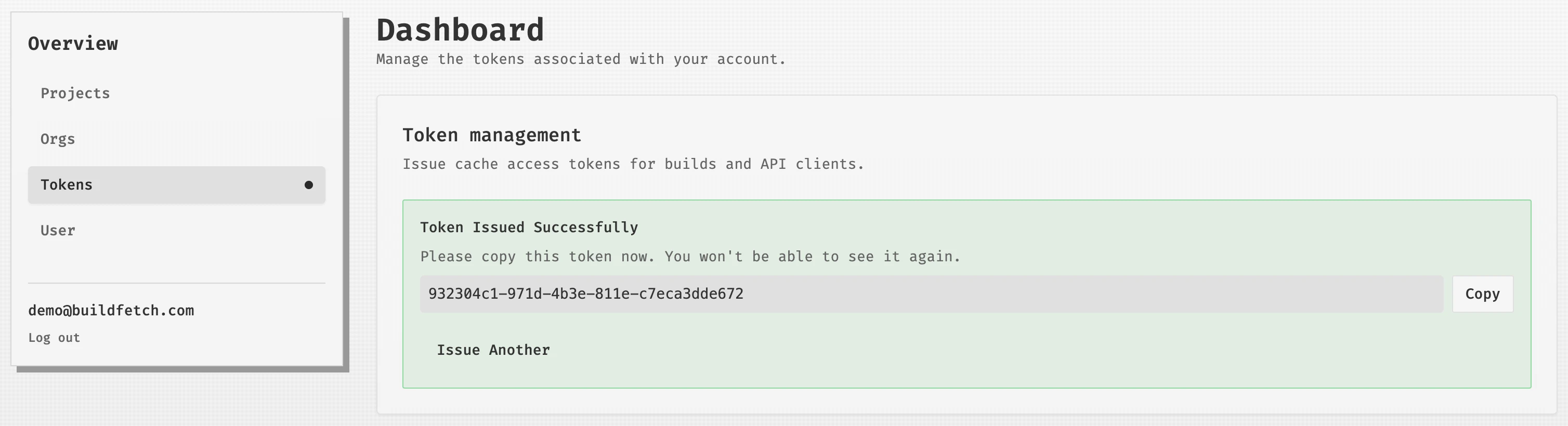
Copy the token
Copy the token immediately after it is issued; it will not be shown again.
Token guidance for CI and developers
For CI, generate a Project token with cache:readwrite scope. Use this token in your CI environment so pipelines can both read cached artifacts and upload new ones.
For local development, generate a cache:readonly token. You can issue one shared token for all developers, or create one token per developer.
Individual cache:readwrite tokens can also be generated, but the User creating them must be a Project admin or an Org admin.
If your build is highly deterministic, it can be reasonable to use developer tokens withcache:readwrite access so local feature-branch work is populating cache for other developers.
Per-developer tokens are usually preferred because they provide better operational control and make it possible to revoke access for one developer without impacting the rest of the team.